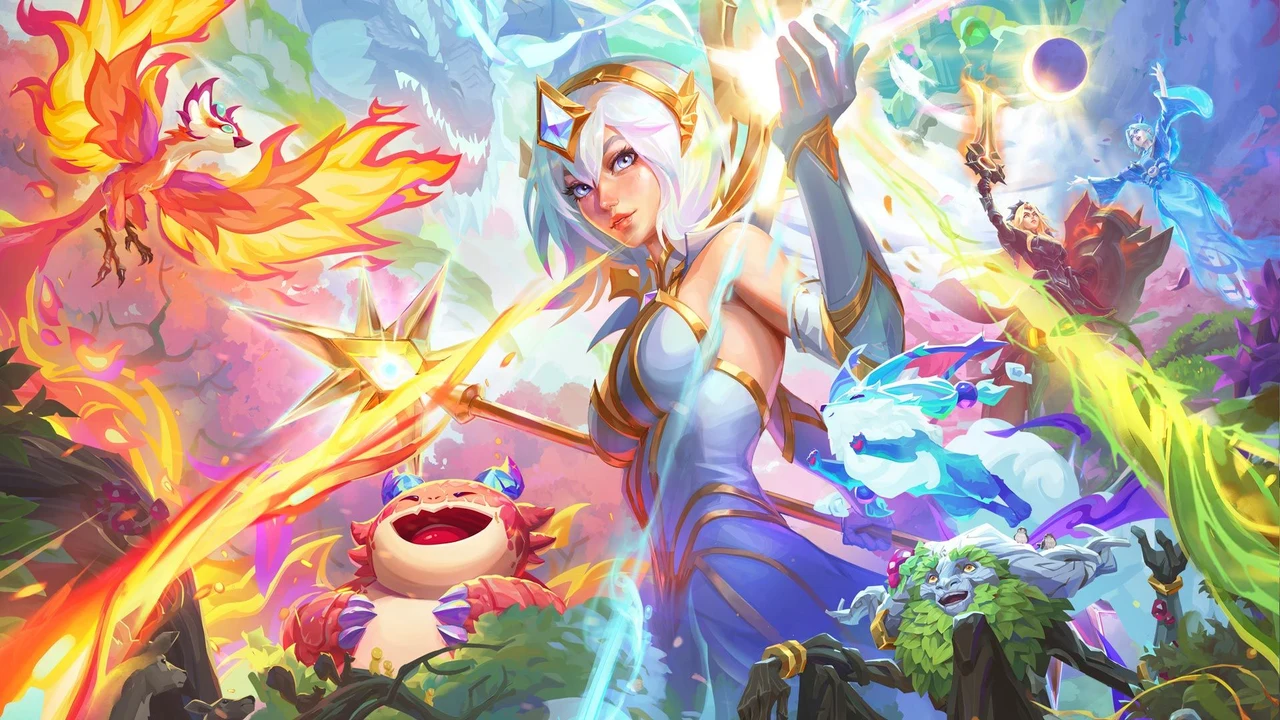
Teamfight Tactics patch 18.1 brought Enchanted Wilds and the move to Unreal, with practical changes for mobile players beyond the new set. Device support, settings and cosmetic availability all deserve a check before you spend on another look.
Your first decision is whether the updated game runs on your phone. Next, review what your existing account already owns and can equip. A TFT Coins top-up cannot fix an unsupported device or make an unconverted cosmetic available.
Check your phone before planning a purchase
Riot’s patch notes flag iOS devices with 2 GB of memory and Android devices with 2 GB or 3 GB among the hardware affected by the change. These figures refer to memory, not free storage. Check your exact device against the current app-store requirements before committing to a purchase; having more memory alone is not a guarantee of compatibility.
The initial Enchanted Wilds download is also larger than a normal patch. Give the update time to finish, then check that you can reach the game and use your preferred settings. Riot expects subsequent downloads to be smaller, but does not give one universal download size in these notes.
Your account stays; cosmetic availability changes
You continue using the same Riot account. The official Unreal migration FAQ says TFT-specific currencies carry over, while preferred settings and favourited cosmetic loadouts reset. Review those settings before interpreting an unfamiliar loadout as missing ownership.
Cosmetics are being converted to Unreal in stages. For players in Riot-published regions, the FAQ also describes temporary access to other available cosmetics in an owned category and rarity. Treat that access as something to check in your Loadout, rather than a reason to buy another copy.
The patch 18.1 cosmetic list records what was available at launch. Later patches add more. Look up the specific Tactician, Arena or Boom you want and confirm its current in-game availability before paying. Finishers also have a temporary presentation change: until rebuilt in-engine, they play as videos featuring River Sprites.
Check earned rewards before choosing another look
Victorious Lumie is the reward highlighted for players who reached Gold or higher in Space Gods Ranked or Double Up. That is an earned competitive reward, not a cosmetic you need to top up to unlock.
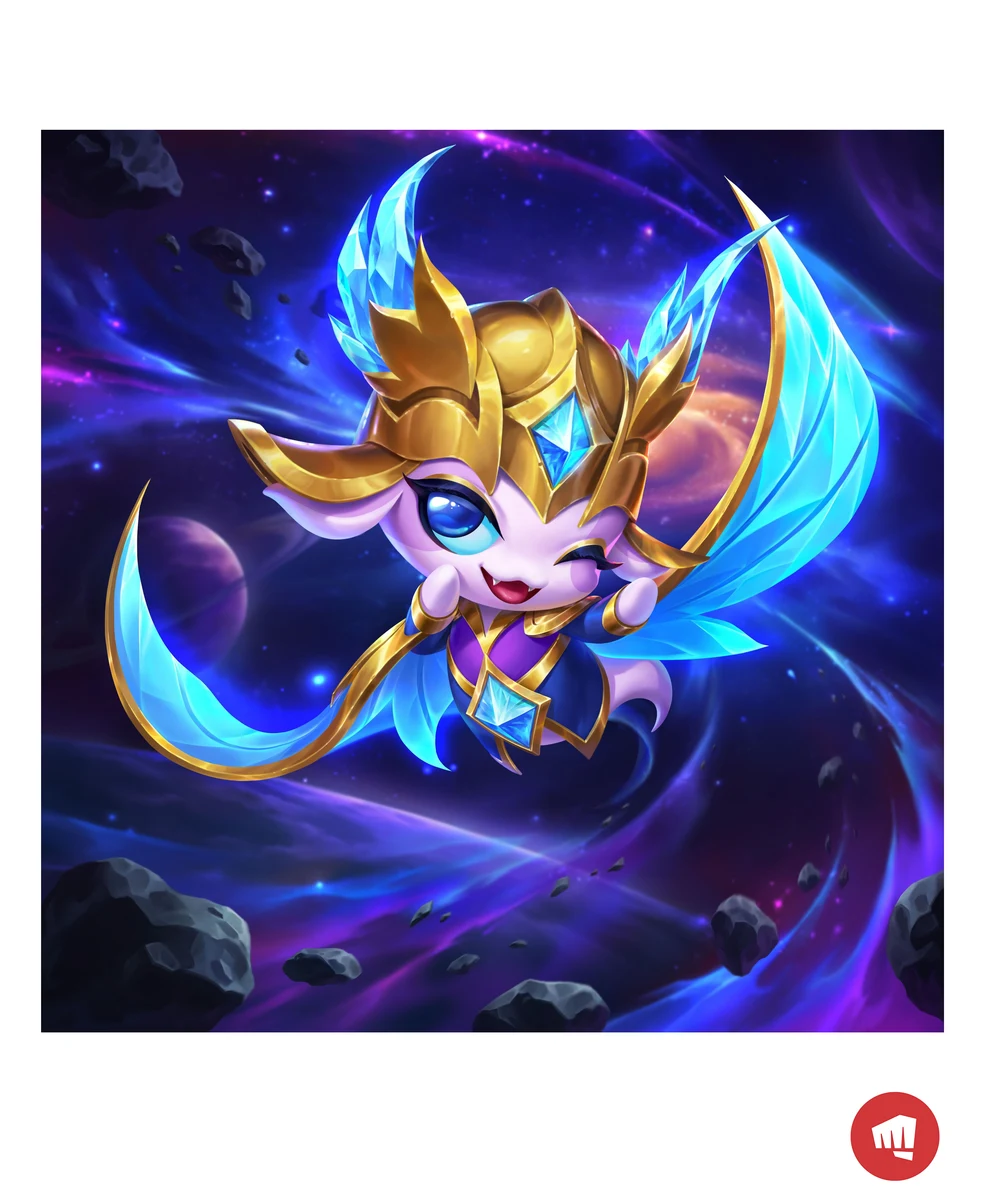
Check that reward and your existing collection first. If you still want a separate look that is currently offered in the mobile store, buy TFT Coins for a different Enchanted Wilds look through Teamfight Tactics Mobile (MY) on SuprimX. Keep that optional purchase separate from claiming Lumie or playing the update.
Buy TFT Coins for the correct mobile account
Riot’s mobile currency explanation identifies TFT Coins as the currency used for mobile store purchases. An in-game item’s coin price and the money you pay for a top-up are different amounts; check both before choosing a denomination.
- Confirm the desired cosmetic is available to buy and equip in your updated mobile game. Do not buy currency to replace an item that is simply awaiting conversion.
- Check its displayed TFT Coins price and subtract your existing balance to find the shortfall.
- Use Teamfight Tactics Mobile (MY) only for the matching Malaysia account. Living in Malaysia does not by itself establish the account’s region.
- Copy the complete Riot ID, including the tag after #, from the account you actually use. SuprimX’s product guidance asks for that ID; check it before checkout.
Once those checks are complete, buy a TFT Coins top-up for your verified Enchanted Wilds purchase on SuprimX. Choose the denomination against the shortfall you calculated, rather than treating the engine migration as a reason to rebuild your balance.