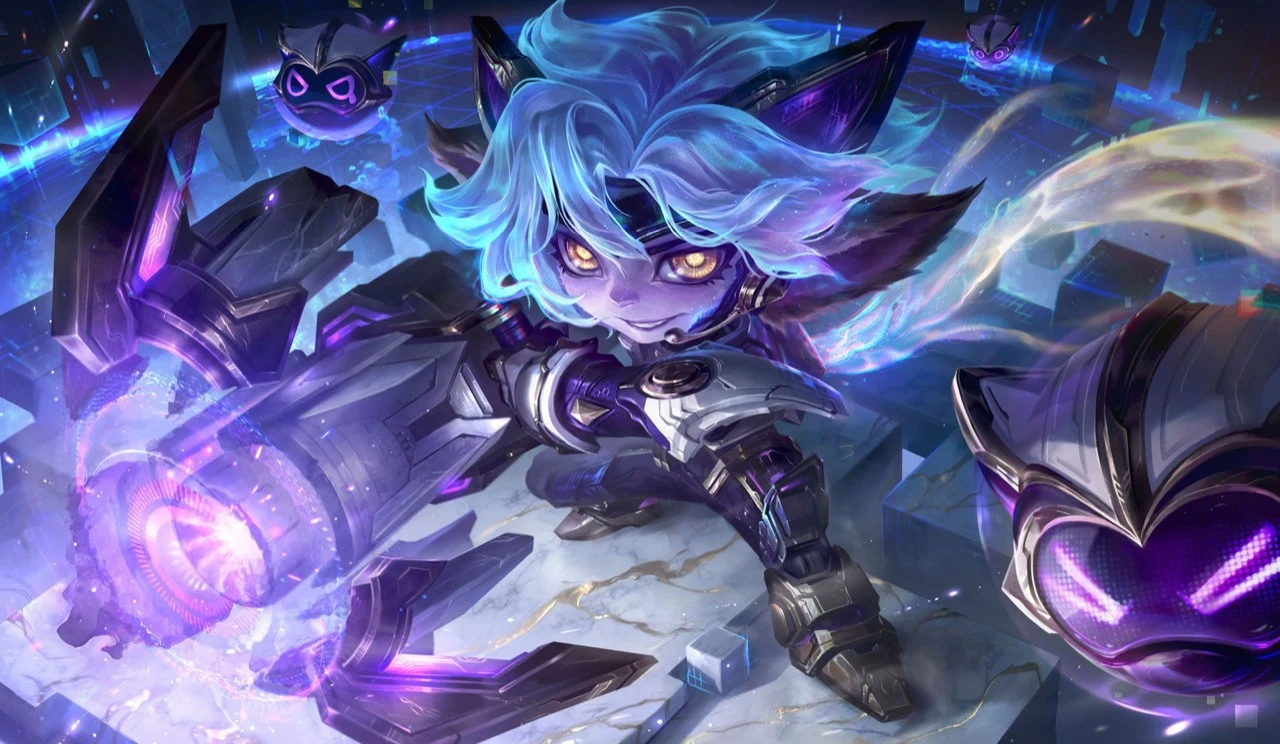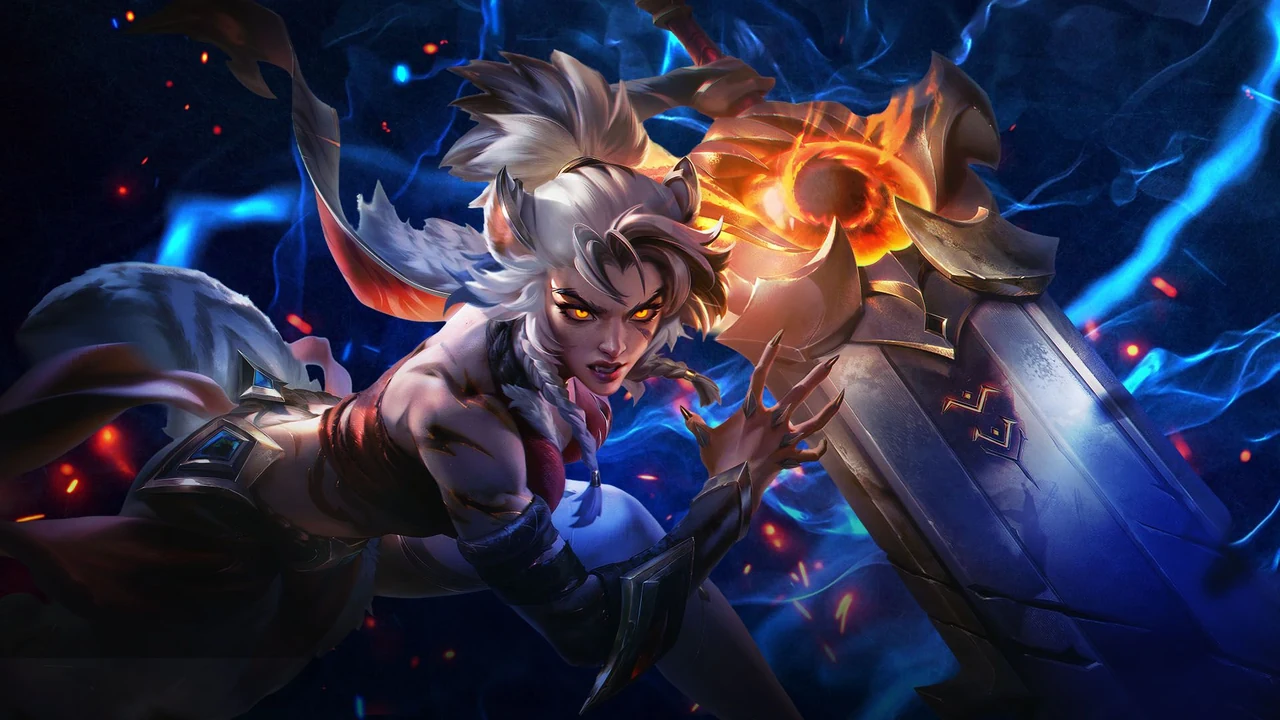
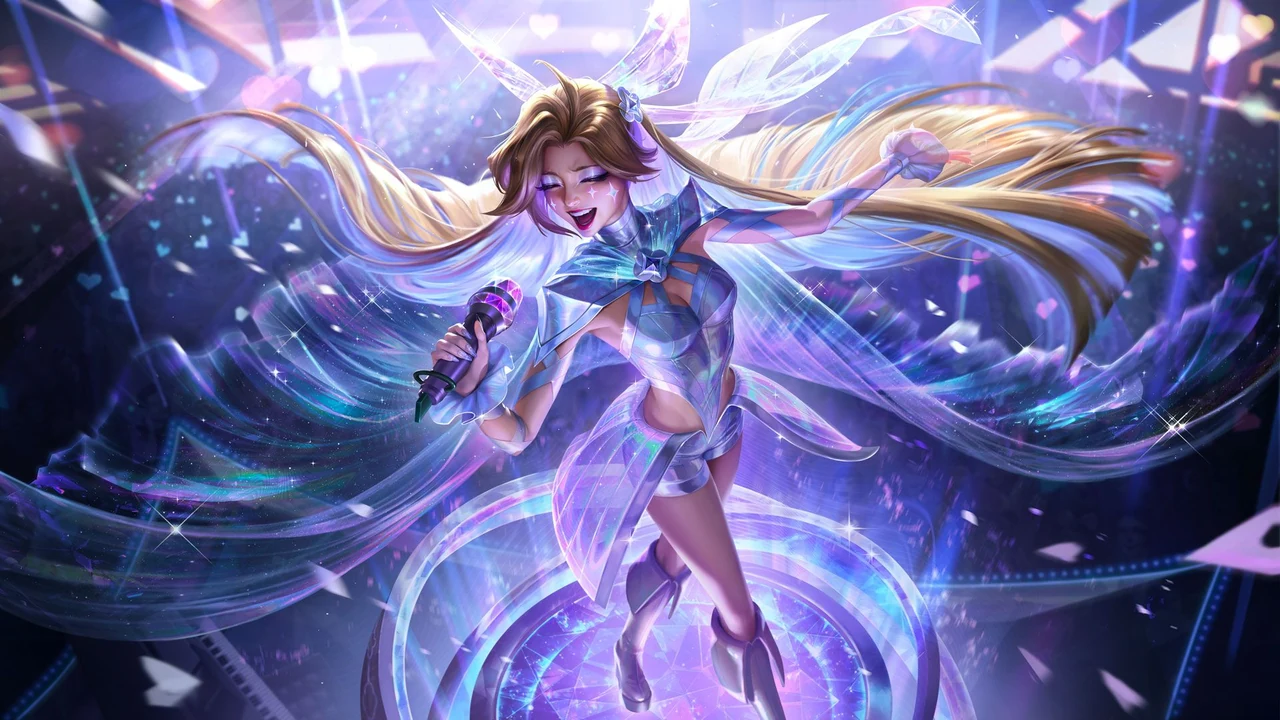
Heartsong Seraphine, Ocean Song Soraka and Ocean Song Jinx are the three skins announced for League of Legends patch 26.17, with an August 26, 2026 release date. Riot also lists chromas for all three. This guide focuses on those cosmetics and the checks to make before spending RP.
For Malaysian PC League players, the useful distinction is between buying a skin and adding a colour variant to one you already own. Start with the exact skin name, then check your account and the live store total before choosing a top-up.
Which skins arrived in patch 26.17?
Riot’s patch 26.17 notes name the following lineup:
- Heartsong Seraphine — the Seraphine skin shown in the cover artwork.
- Ocean Song Soraka — one of the two skins in the shared Ocean Song splash below.
- Ocean Song Jinx — the other skin in that shared splash.
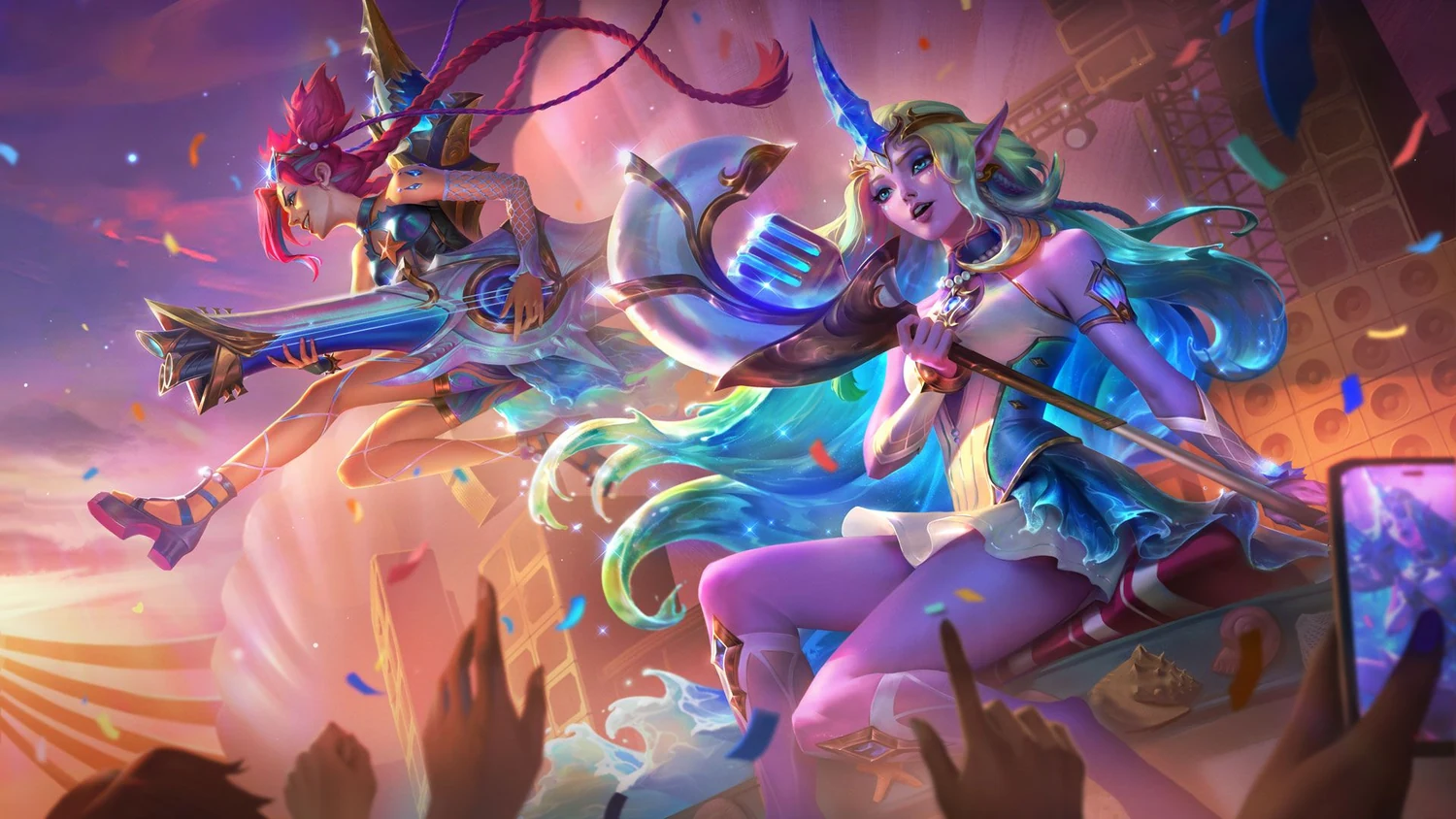
The patch notes confirm the release date, but do not give a Malaysia-specific unlock hour or individual RP prices in this section. Use the client’s offer details for the amount you will actually pay; the artwork alone does not establish a bundle’s contents.
Plan the skin purchase on your Malaysia account
Riot’s SEA server merge notice explicitly includes Singapore, Malaysia and Indonesia alongside Thailand and the Philippines. Sharing a game server does not make every account a Malaysia top-up account. SuprimX’s League of Legends (Malaysia) product is the Malaysia option; check that it matches the account you intend to fund.
- Open the PC League client on that account and find the exact skin you want.
- Check the store total and subtract your existing RP balance. If you already have enough RP, no top-up is needed.
- For a SuprimX top-up, enter the correct Riot ID and tagline. Check both before paying, especially if you use more than one account.
Once you have chosen your skin and confirmed the account, buy RP for your Heartsong Seraphine or Ocean Song skin on SuprimX to cover the balance you still need. The cosmetic purchase is optional; it is not required to receive the gameplay update.
Choose chromas after checking the base skin
Riot’s Chroma FAQ explains that chromas change a skin’s colour palette and require the original champion or skin they modify. Store totals can change according to what you already own, and some chromas are bundle-only. Check the specific offer instead of assuming each colour in a preview is sold separately.
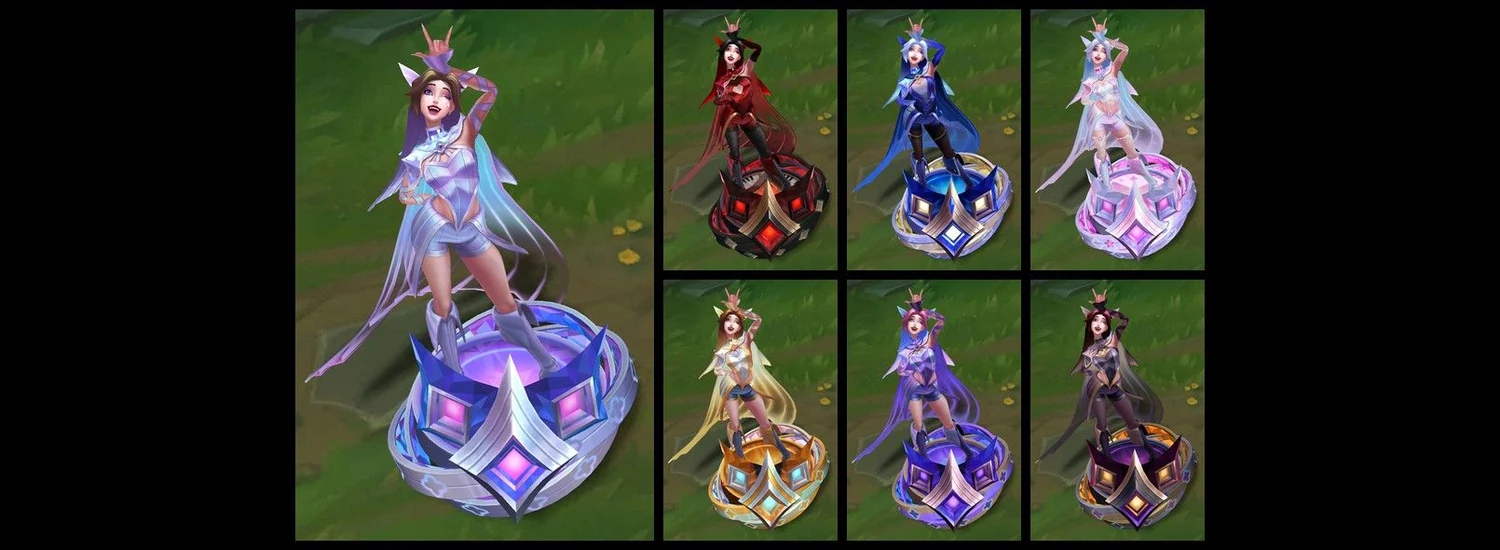
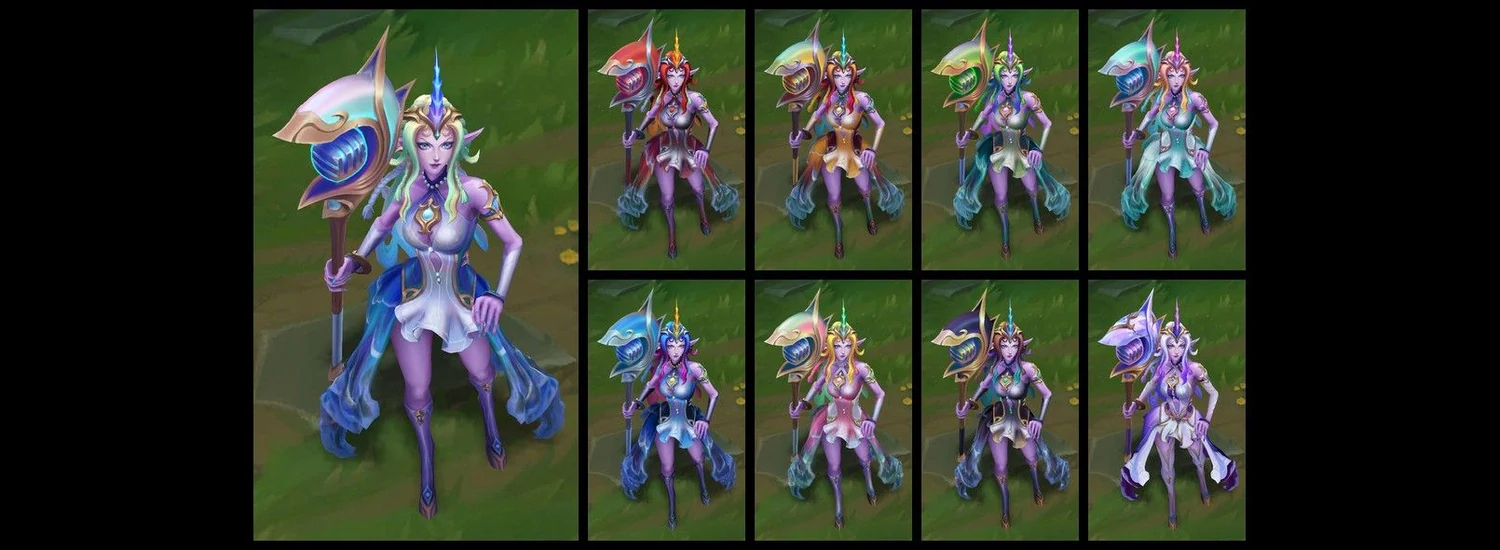
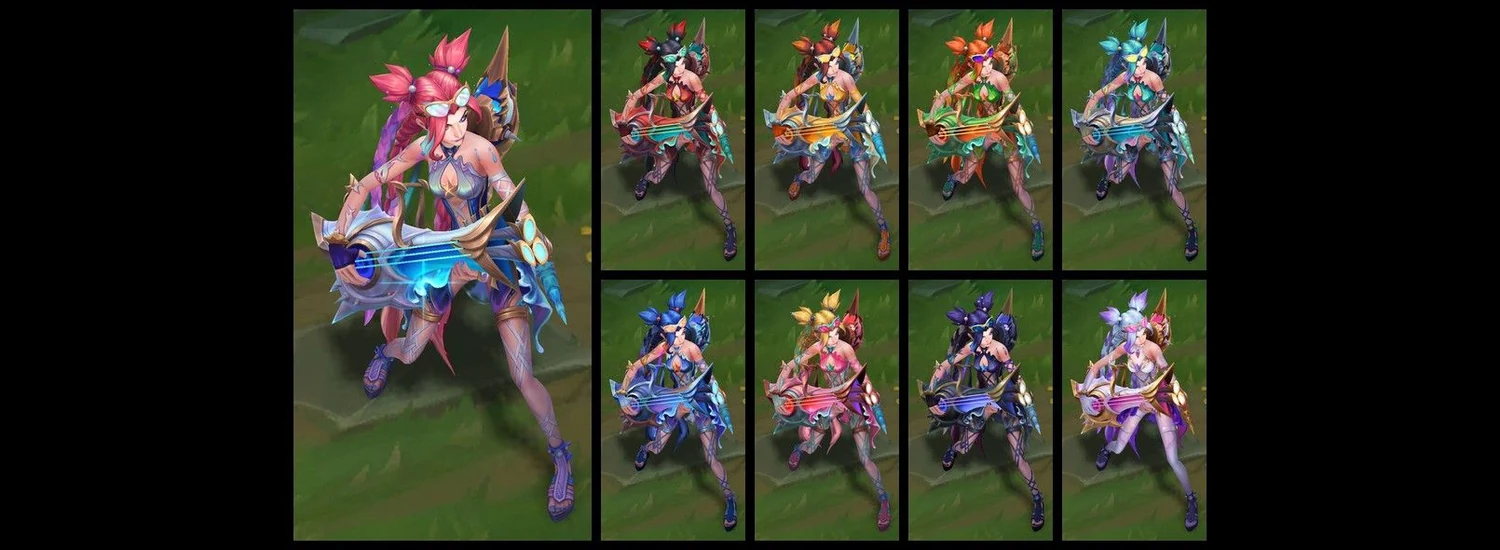
If you already own the matching base skin, review only the chroma or bundle you want and the RP shortfall for that offer. Then top up RP for your chosen Heartsong or Ocean Song chroma if you need additional balance. If you do not own the base skin, include that requirement in the total before deciding whether the colour upgrade fits your budget.